Getting started
Promptify is a teleprompter in three parts. You write scripts on a laptop, read them on an iPad, and control the scroll from your phone.
| Surface | Where | What it's for |
|---|---|---|
| Editor | / on any computer |
Write, import and edit scripts. It is the source of truth: every change is saved to the server. |
| Prompter | /p/ on the iPad |
The full-screen prompter. It syncs your scripts and keeps working offline once synced. |
| Remote | /p/remote/ on a phone |
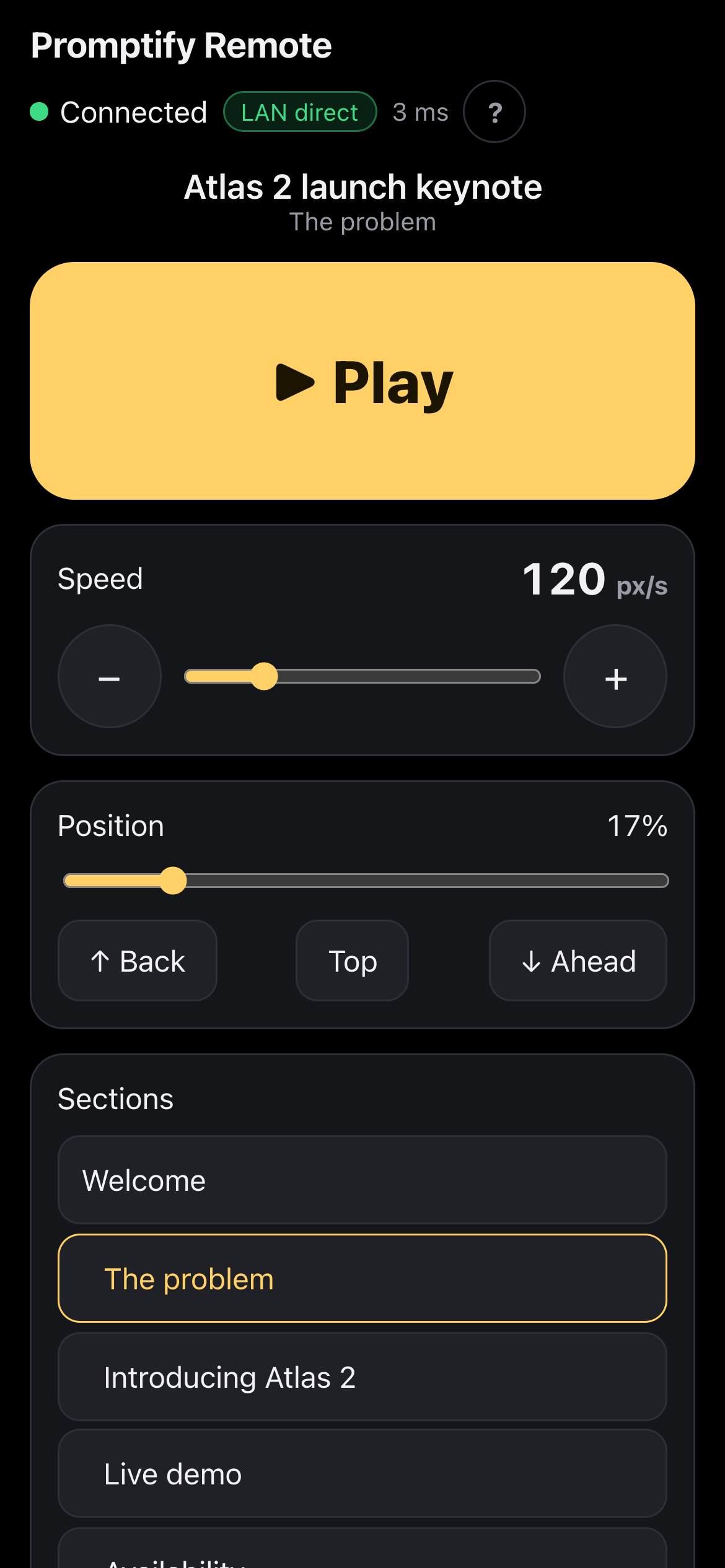
Play, pause, speed, sections, text size and mirror, sent straight to the iPad over your local network. |
Your first script in five minutes
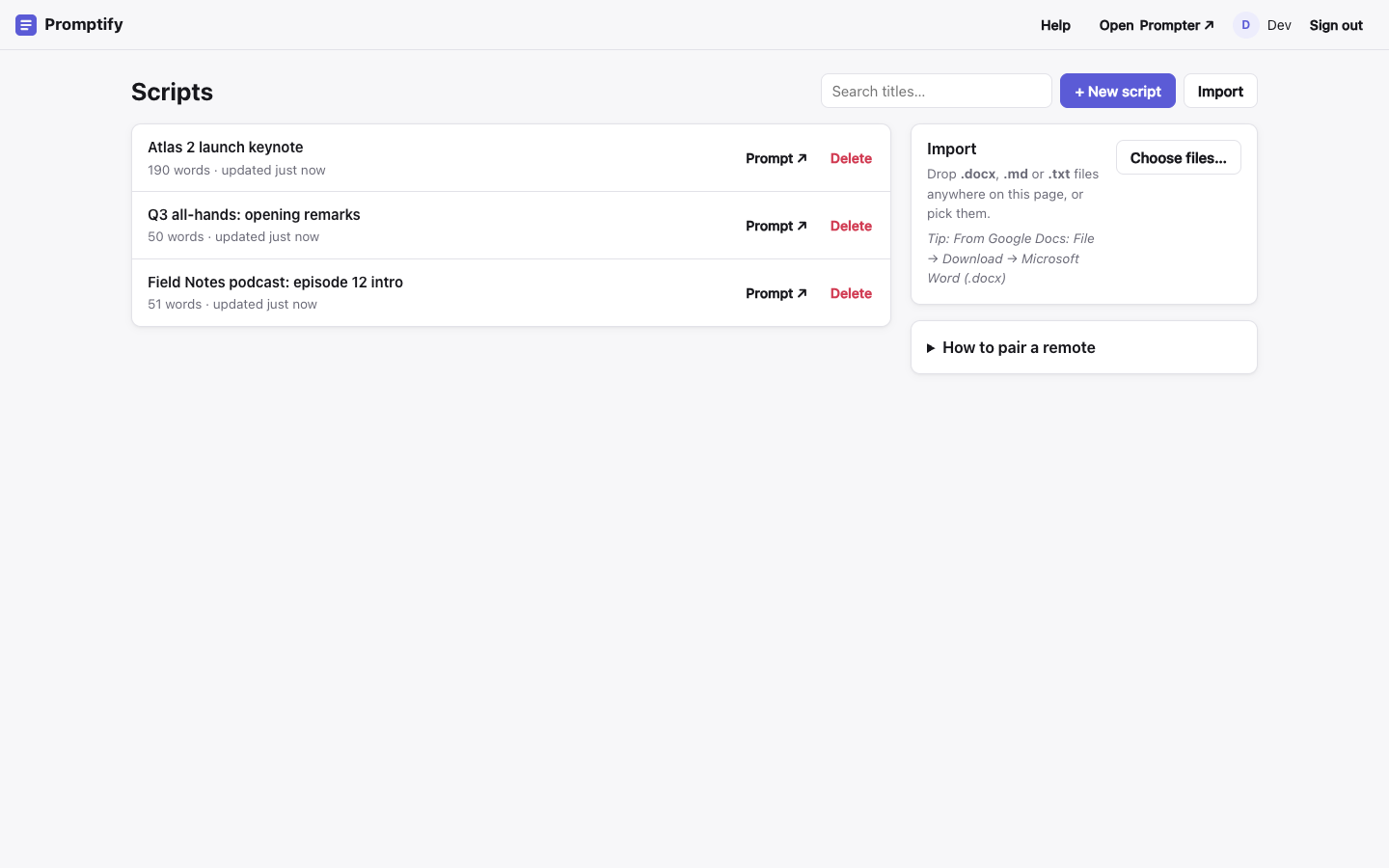
Open Promptify in your browser and sign in with your Google account. The Scripts library opens.
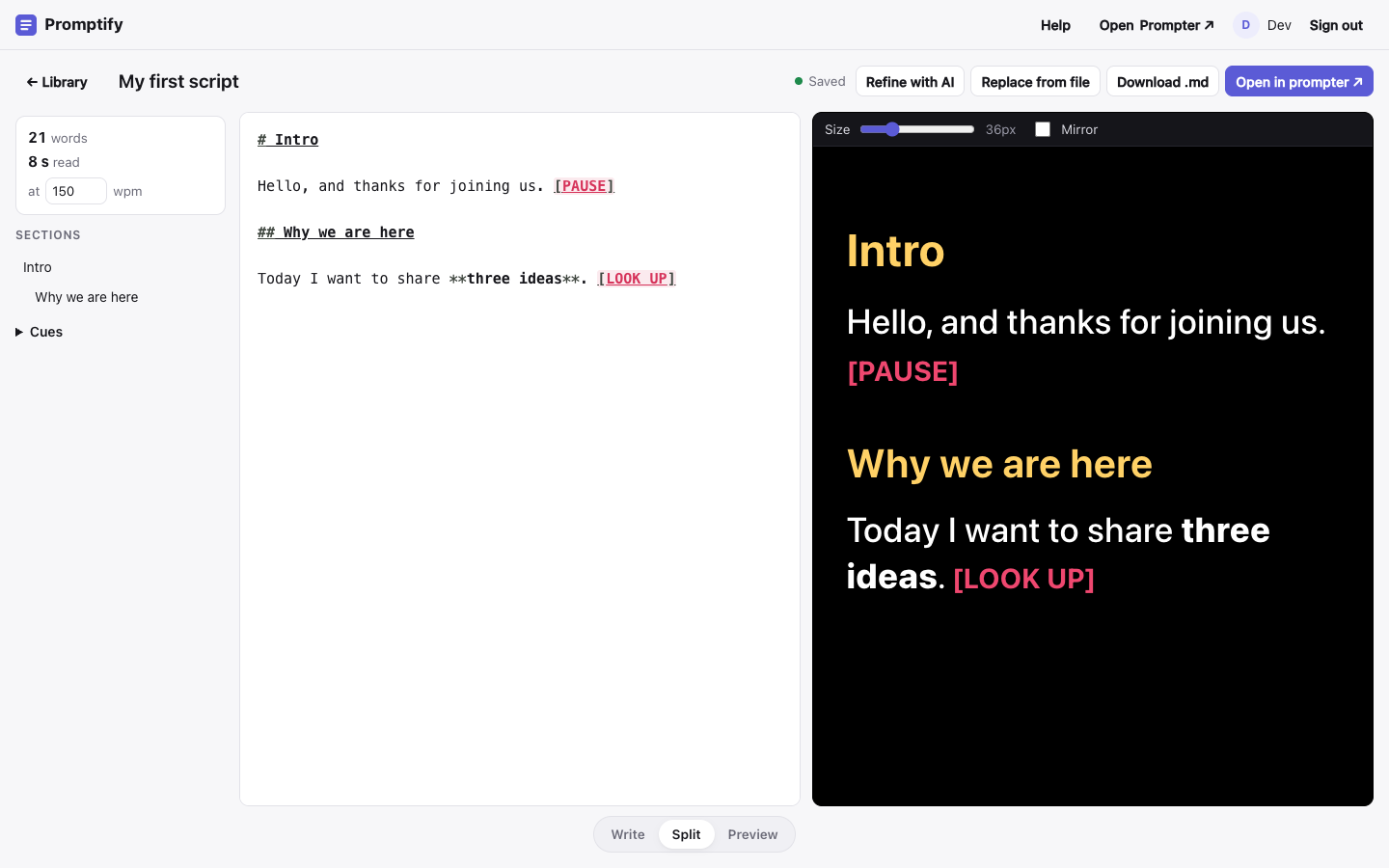
Click + New script, give it a title, and start typing. The right-hand pane shows exactly what the iPad will show. See Writing scripts.
On the iPad, open
/p/in Safari and add it to the Home Screen. Your scripts sync to it automatically. See The iPad prompter.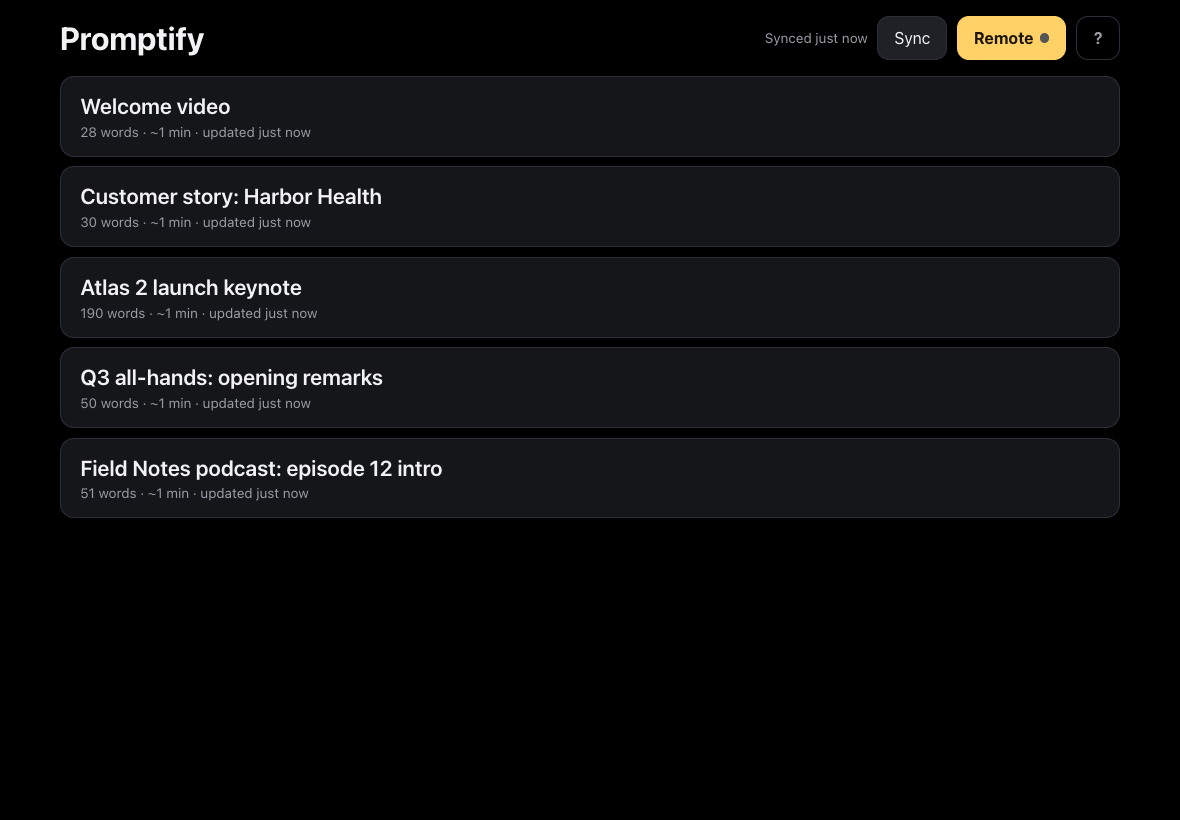
Tap a script, then tap ▶ to start scrolling. Tap the screen at any time to show or hide the controls.
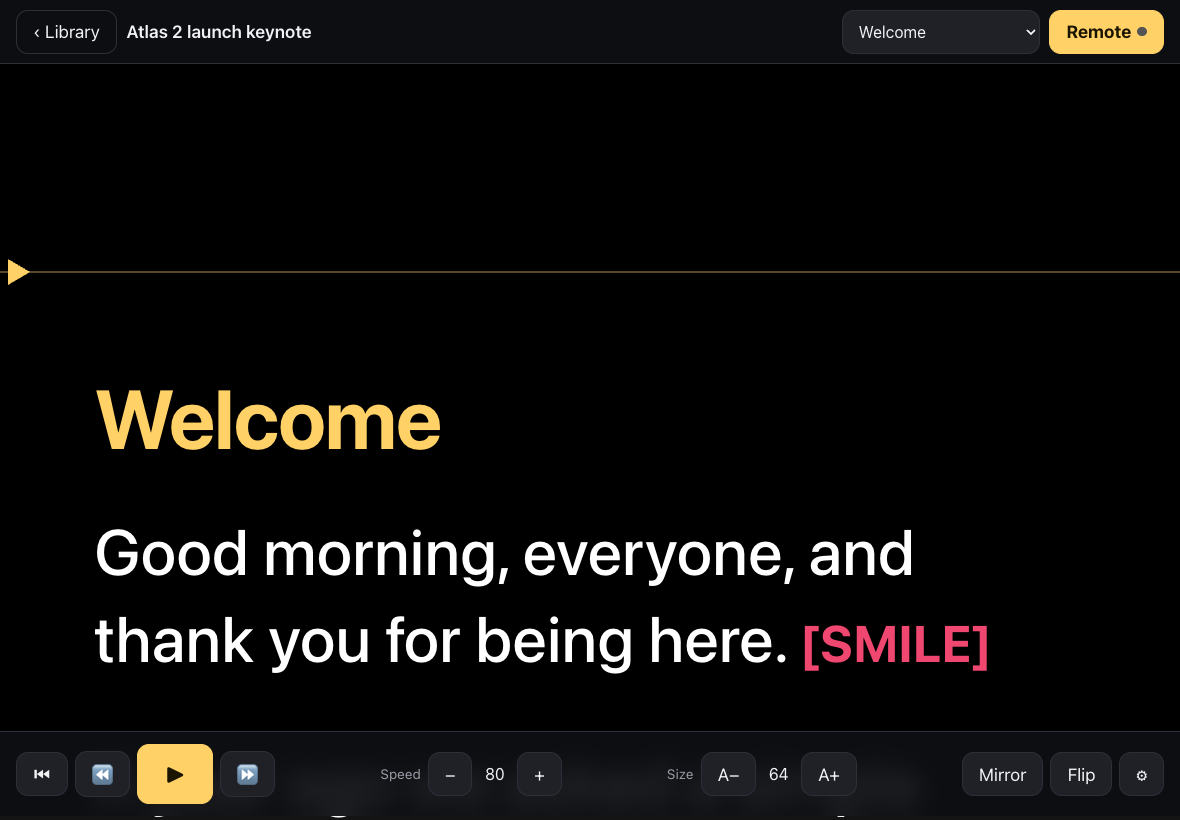
Optional: tap Remote on the iPad and scan the QR code with your phone to use it as a remote control. See The phone remote.
Good to know
Scripts are plain Markdown. Headings become sections you can jump between, and stage directions in square brackets, like
[PAUSE], show up in red.The iPad works offline. Sync before you leave Wi-Fi, and every synced script stays available.
The remote never goes through the server. It talks to the iPad directly over the local network. If the two can't see each other, see Troubleshooting.
Help is always one click away: Help in the editor's top bar, or the ? button in the prompter and the remote.